
Facebook Messenger 578.0.0.45.92 for Android
578.0.0.45.92 · Facebook Inc · Page updated
Facebook Messenger for Android is Meta's instant messaging app for chats, group conversations, voice and video calls with Facebook contacts.
Rate Facebook Messenger
Average 0.0 · ratings: 0
Thank you! Your rating is saved; you can change it. Could not save the rating. Please try again later. Too many ratings from your network today. Please try again tomorrow. The average appears after 5 ratings.
Screenshots
About Facebook Messenger
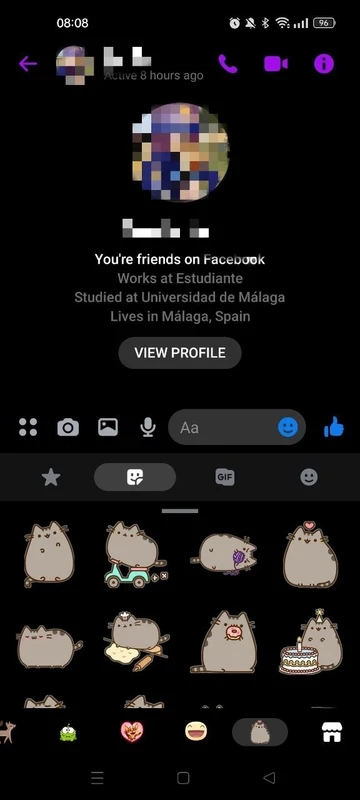
Facebook Messenger 578.0.0.45.92 for Android is the current release of Meta's instant messaging app, and you can download it free from Google Play. It handles text chats, group conversations, photos, voice messages and calls with your Facebook contacts and anyone else who uses Messenger.
Overview
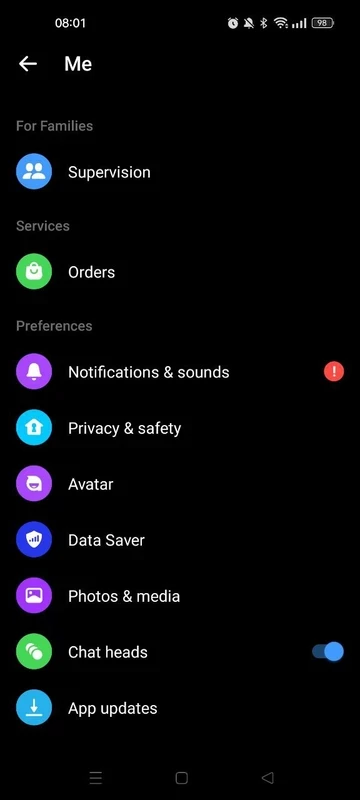
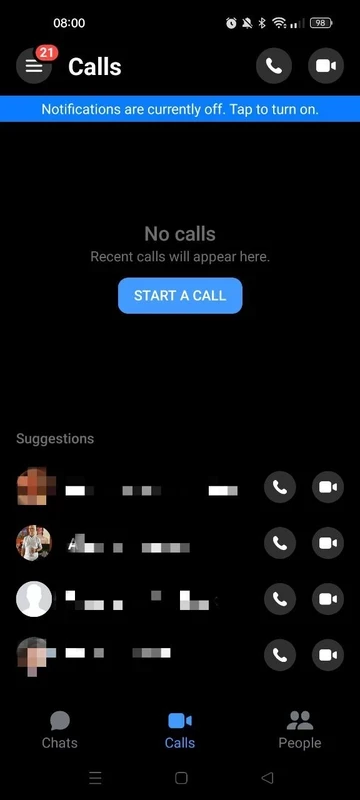
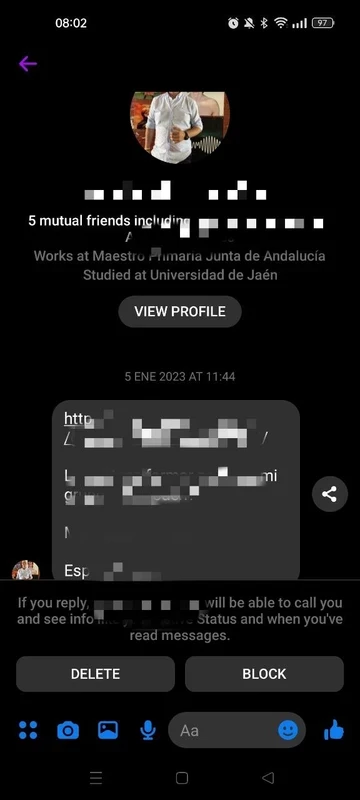
Messenger started on 9 August 2011 as the chat feature of Facebook and became a separate app for phones soon after. Today it is one of the main ways people reach friends and family who are on Facebook but do not share a phone number with them. The Android app opens to a list of chats, with the most recent at the top and the people you talk to most within easy reach. In a conversation you can send text, photos, videos, voice notes and stickers, react to messages and reply to a specific one. Group chats work well for families, school parents and hobby clubs, and a single tap starts a voice or video call. Marketplace buyers and sellers also talk here, and many small businesses answer customers through Messenger. Because the chats sync, you can continue a conversation on a computer through messenger.com or the desktop app.
App details
| Version | 578.0.0.45.92 |
|---|---|
| Developer | Facebook Inc (Meta Platforms) |
| Platform | Android |
| License | Freeware |
| Updated | September 2026 |
| Size | about 81.42 MB according to catalogue data |
Installing Messenger on Android
- Open Google Play and search for Messenger.
- Check that the developer is Meta Platforms and tap Install.
- Log in with your Facebook account.
- Allow notifications, and the microphone and camera if you plan to make calls.
Meta's help centre explains how to download or update the Messenger app.
Requirements
Google Play checks compatibility, so if you can install it, it will run. On older phones with little memory, Facebook Lite can also open chats with less load on the phone.
Privacy and scams
Only install Messenger from Google Play. The most common danger is not the app but the messages: a friend's hacked account asking for money, a "you won a prize" link, or a video that asks you to log in. Confirm unusual requests by phone, never enter your password after tapping a link in chat, and turn on two-factor authentication for your Facebook account. In the privacy settings you can control who can message you and who ends up in message requests.
Price
Messenger is free. Messages and calls use mobile data or Wi-Fi, with no extra charges from Meta.
Pros and cons
- Pro: reach Facebook contacts without sharing a phone number.
- Pro: good group chats and calls.
- Con: requires a Facebook account for full use.
- Con: the app has grown heavy with extra features.
Alternatives
WhatsApp Messenger, Telegram and Viber are messaging apps for Android in the same category, and IMO Lite is a lighter messenger for older phones.